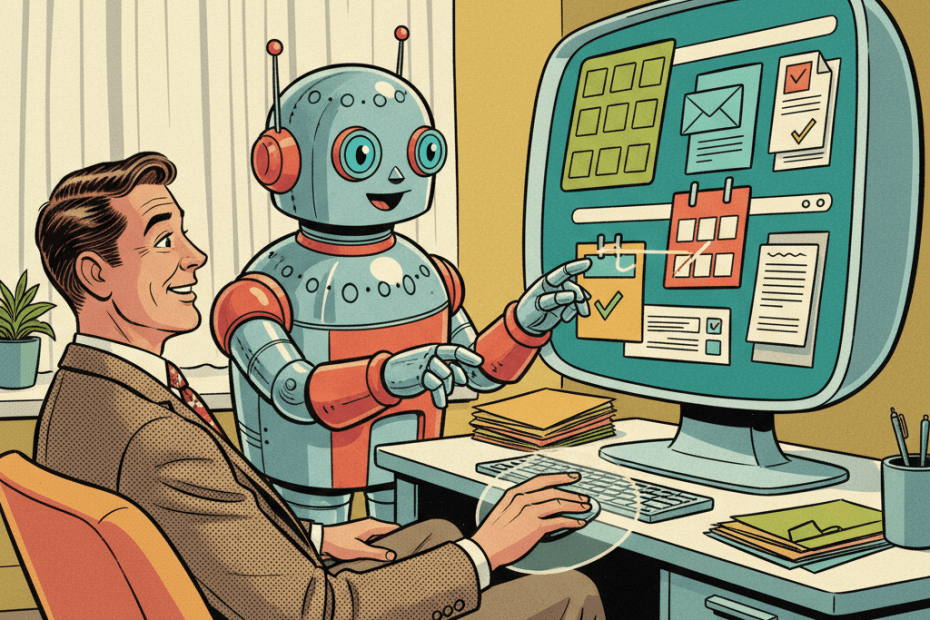
Chatbots have spent the last couple of years offering advice from a box. You type, they answer, and most of the real work still happens afterwards in your browser, inbox, files or apps.
Anthropic is now pushing a more hands-on version of that idea. In a new research preview, the company says Claude can use your Mac to complete tasks for you inside Claude Cowork and Claude Code. That means not just suggesting what to do next, but actually pointing, clicking, typing, opening files and moving through apps when it needs to.
For ordinary UK readers, this matters because it is a glimpse of where mainstream AI tools are heading next. We have already seen assistants summarise emails and draft messages. The next step is letting them operate the computer itself, which deserves more caution than a normal chatbot prompt.
What Claude can actually do
According to Anthropic, Claude will try the most direct route first. If it has a connector to a service such as Slack or Google Calendar, it will use that. If it does not, it can work through your screen directly instead, controlling the browser, mouse and keyboard to get the task done.
In plain English, this means Claude is no longer limited to giving you instructions like “click here” or “open that file”. It can do those bits itself, provided you approve access. Anthropic says it can open files, use the browser and run tools automatically, while its new Dispatch feature lets you assign a task from your phone and pick up the finished work on your desktop later.
There are a few catches straight away. This is a research preview, not a polished mass-market rollout. It is currently for Claude Pro and Claude Max subscribers, and for now it only works on macOS. Your desktop app also has to stay awake and running. So if you use Windows, do not assume this is about to land on your laptop tomorrow.
Why this is more interesting than a normal AI update
The big shift here is not really the brand name. It is the move from “AI that advises” to “AI that acts”. That matters because mistakes stop being theoretical once a tool can wander around your screen. At its best, though, it could make fiddly jobs less annoying: opening documents, copying figures into a spreadsheet, pulling details from browser tabs or gathering the ingredients for a weekly update.
It also fits with a broader pattern we looked at in our recent piece on the habits that make workplace AI more useful. The real value tends to come from removing friction in a workflow, not from asking a chatbot to perform miracles.
What should make you pause
Anthropic’s own guidance is fairly clear that this is early-stage technology. Complex tasks can need a second try, and using the screen is slower and more error-prone than using a proper integration. “Can do it” does not always mean “does it well enough to trust unsupervised”.
The privacy side matters even more. Anthropic says Claude takes screenshots of your computer so it can understand what is on screen and navigate around it. In other words, if something private is visible, the system may be able to see it too. The support guidance explicitly warns users to be careful with sensitive information and says the feature is not recommended for healthcare, financial records or other personal data.
That sits neatly alongside a wider point we made in our look at ChatGPT’s new safety labels: convenience is never the whole story. Before you let any AI tool loose on your files, messages or apps, you need to understand what it can access, what it can see and how much trust you are really placing in it.
Anthropic also says computer use happens outside the virtual machine Cowork normally uses for some tasks. So this is not a neat little sandbox where nothing important can happen. It is closer to giving the assistant a temporary seat at your actual desk.
Who might find it useful first
Right now, the clearest early audience is people who already spend a lot of time on a Mac doing repetitive admin or technical work. For them, even a slightly clunky helper could be worth trying on low-stakes jobs.
For everyone else, this is probably better read as an early sign of where consumer AI is going than as something you need to rush into today. Most people do not need an AI clicking around their machine this week, but they probably will see more tools moving in this direction soon.
That is why the practical habits matter now. Start small. Use it on boring tasks before important ones. Keep sensitive tabs closed. Watch what it does. And keep your expectations realistic. We have already seen how easy it is for people to trade away too much context, data or control when a new AI tool promises convenience, as in our recent piece on the small print around AI data deals.
The non-hypey takeaway
Claude using your computer is not the moment household AI suddenly becomes effortless. It is a research preview for paying Mac users, with obvious limits, but it is still a clear sign that AI companies want assistants to move beyond chat and into direct action.
So the sensible reaction is neither panic nor breathless excitement. It is curiosity with guardrails. If you try this kind of tool, start where the stakes are low and the benefits are easy to measure. Let it sort the fiddly stuff first. Keep the important decisions, and the sensitive information, firmly in human hands.
Sources:
Anthropic — Put Claude to work on your computer
Anthropic Support — Let Claude use your computer in Cowork
9to5Mac — Anthropic is giving Claude the ability to use your Mac for you