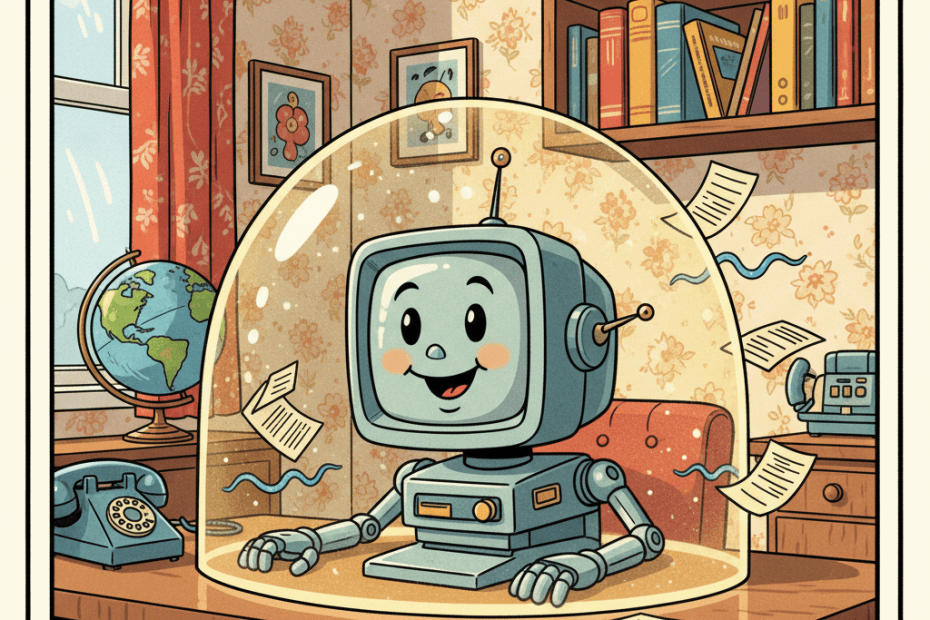
OpenAI has started rolling out a new ChatGPT security setting called Lockdown Mode, aimed at people who want extra protection when using AI with sensitive information. It is not a magic shield, and it deliberately switches off some useful features, but it is a useful signal of where everyday AI safety is heading: the risk is no longer just what you type into a chatbot, but what the chatbot can connect to, fetch, read, and send back out.
The feature was reported by TechCrunch on 6 June 2026 and is now described in OpenAI’s own Help Centre. OpenAI says Lockdown Mode is an optional advanced security setting for ChatGPT and supported OpenAI products. It limits access to the web and external services to reduce the chance that private data can be leaked through a prompt injection attack.
That sounds technical, but the everyday version is fairly simple. A prompt injection is when malicious instructions are hidden inside content an AI system is asked to read. That content might be a webpage, a document, an email, a cached search result, or material brought in through a connected app. The hidden instruction tries to push the AI into doing something the user did not ask for, such as revealing private information, following the wrong instruction, or sending data somewhere it should not go.
For most casual users, the phrase “prompt injection” may sound remote. In practice, it matters because AI assistants are becoming more connected. People use them to summarise files, inspect spreadsheets, draft emails, compare webpages, analyse screenshots, and work with personal or business documents. The more tools an assistant can use, the more important it becomes to control where information can travel.
What Lockdown Mode Actually Changes
OpenAI says Lockdown Mode is designed to reduce the final stage of data exfiltration by limiting outbound network requests. In plain English, it tries to reduce the assistant’s ability to send sensitive information away through web-connected features.
When it is turned on, several network-enabled features are disabled or restricted. OpenAI lists live web browsing, deep research, agent mode, Canvas networking, file downloads, and some web-derived image support among the affected capabilities. ChatGPT can still work with files that a user manually uploads, and image generation remains available where it would otherwise be available, but the more open-ended web and agent features are tightened.
There are trade-offs. Search results may be limited or stale because live browsing is restricted. Deep research is unavailable. Agent mode is disabled. That means Lockdown Mode is not ideal if you are asking ChatGPT to research a current topic across the web or carry out multi-step tasks using online services. It is more like a cautious working mode for moments when privacy matters more than convenience.
Who Should Consider Using It?
OpenAI says the mode is not intended for everyone. That is probably the right framing. If you only use ChatGPT for low-risk brainstorming, recipes, holiday packing lists, or rewriting public text, the extra restrictions may feel unnecessary. But there are plenty of normal situations where a stricter setting makes sense.
You might consider it when pasting in work documents, contracts, unpublished plans, private correspondence, financial notes, medical letters, legal paperwork, school records, or anything involving other people’s personal information. Small business owners may also want it when asking AI to help with customer emails, supplier documents, spreadsheets, or internal policies.
The key question is not “is this secret enough for a spy film?” It is “would I be uncomfortable if this information accidentally appeared somewhere else?” If the answer is yes, a more locked-down mode is worth thinking about.
What It Does Not Solve
The important caveat is that Lockdown Mode does not stop prompt injections from appearing in the material ChatGPT reads. A malicious instruction could still be sitting in a document or cached webpage. OpenAI says such instructions could still affect the behaviour or accuracy of a response. The mode is mainly about reducing the routes by which sensitive data might be sent out.
It also does not change all privacy settings. OpenAI says Lockdown Mode does not change memory, file uploads, conversation sharing, or whether conversations may be used to improve models. Those settings have to be managed separately through data controls or workspace settings. That distinction matters: a security mode is not the same thing as a blanket privacy mode.
For managed workspaces, apps, connectors, and permissions can still depend on administrator settings. OpenAI advises admins to think carefully about which apps and actions are trusted. For ordinary users, the practical lesson is to be cautious with connected services and to understand that “connected” often means the AI can see more context and may have more ways to act.
A Sensible Habit, Not A Panic Button
The arrival of Lockdown Mode should not make people afraid to use AI tools. It should make them more deliberate. We already make similar trade-offs elsewhere: private browsing is useful but limited, two-factor authentication adds friction but improves account safety, and app permissions are annoying until they prevent an app from seeing too much.
AI now needs the same kind of everyday hygiene. Before uploading or pasting sensitive information, pause and ask what the assistant can access in that chat. Is web browsing on? Are connectors available? Is an agent mode being used? Are you asking it to inspect content from a source you do not fully trust?
For a simple writing task, you may not need many tools at all. For sensitive work, fewer connections can be a strength. You can also reduce risk by removing names, addresses, account numbers, and other identifiers before using AI to summarise or rewrite a document. That is still worth doing even with stronger security settings enabled.
Why This Matters For Everyday AI
Lockdown Mode is a sign that AI companies are having to design for a world where chatbots are no longer isolated text boxes. They are becoming work surfaces that can touch files, websites, apps, images, and external services. That can be incredibly useful, but it changes the risk picture.
For ManyHands readers, the takeaway is practical: when an AI assistant is connected to the wider web or to your personal tools, security is partly about what it is allowed to do. A more capable assistant is not automatically a safer assistant. The safest setup for one task may be a poor setup for another.
OpenAI’s Lockdown Mode is not the final answer to prompt injection. OpenAI itself says the risk is not fully removed. But it gives users and organisations a clearer switch for a real problem: sometimes you want ChatGPT to know less, connect less, and do less, precisely so it can help with more sensitive work.
That is a useful shift. The future of everyday AI will not just be about smarter models. It will also be about understandable controls that let normal people decide when convenience should give way to caution.
Sources: OpenAI Help Centre: Lockdown Mode; TechCrunch: OpenAI unveils Lockdown Mode to protect sensitive data from prompt injection attacks.

