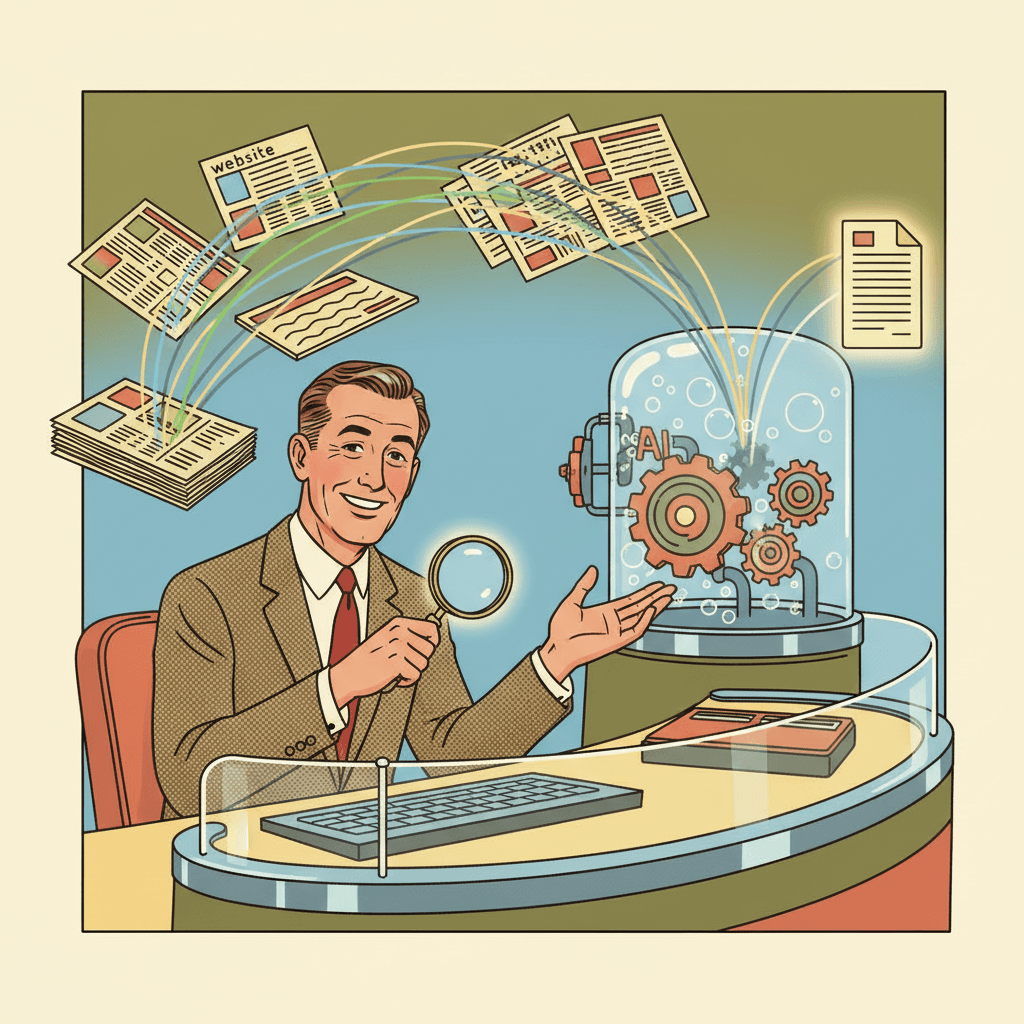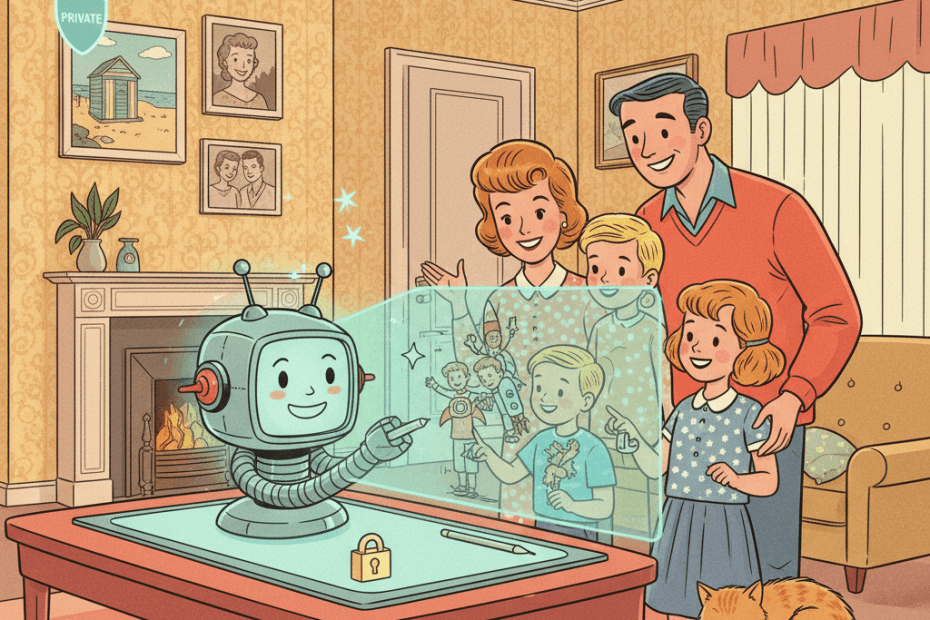
Google is rolling out a new Gemini feature that can use your Google Photos library and other personal context to help generate images that feel more tailored to your life. In Google’s examples, you can ask for something like a picture of your “desert island essentials” or a stylised family image, and Gemini will fill in the blanks using what it already knows about you.
On one level, that sounds convenient. Plenty of people already use AI image tools for birthday ideas, mock-ups, greetings cards and silly family pictures. The pitch here is that you no longer need to upload reference shots every time or write a very detailed prompt. If Gemini can already see your preferences and, if you choose, your Google Photos labels, it can try to make the result feel more personal from the start.
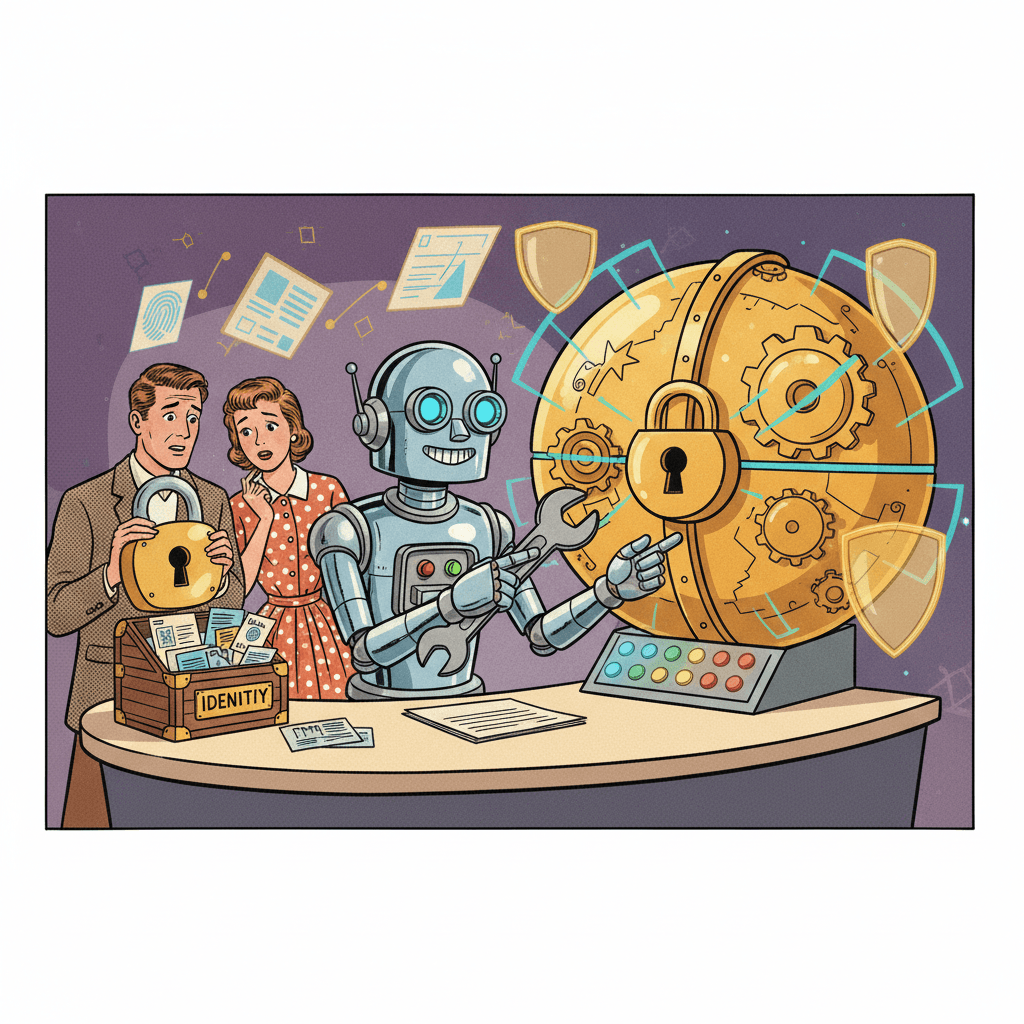
For UK readers, though, the more useful question is not whether this is impressive. It is what you are really giving the system access to, what control you still have when it gets things wrong, and whether a more personal result is worth letting an AI tool draw on years of private photos.
This fits a broader pattern in consumer AI. The systems become easier to use because they know more about you. But each reduction in friction usually means another layer of personal data is being connected behind the scenes. As we noted in our earlier look at people selling their voices and daily life to train AI, convenience and intimacy tend to travel together.
What Google says the feature does
According to Google, Gemini’s Personal Intelligence feature can now work with its Nano Banana 2 image model and, if you opt in, your Google Photos library. That means Gemini can use your interests, preferences and labelled people or pets in Photos to build an image around a short prompt. So instead of manually uploading a picture of your dog or describing your kitchen in detail, Google says Gemini can infer some of that context for you.
Google also says the feature is opt-in, and says Gemini does not directly train its models on your private Google Photos library. At the same time, the company says it may still use limited information, such as prompts and model responses, to improve functionality over time. That distinction matters, because “not directly training on your photo library” is not the same thing as “nothing personal is processed” or “nothing useful about your behaviour is learned”.
The company has added some controls as well. If Gemini picks the wrong reference image, you can refine the prompt or manually choose another photo. Google also says you can use a Sources button to see which image was selected to guide the result.
Why this could be useful in real life
There is an obvious upside here. For normal users, AI image tools can be awkward precisely because they are not personal enough. If you want a playful family illustration, a mock-up of a room with your own style, or a birthday image that resembles a real pet rather than a generic one, gathering reference files is often the tedious part.
Google is trying to remove that faff. If it works well, it could make Gemini more useful for everyday creative jobs people actually do, such as making invitations, visualising home ideas, or producing personalised keepsakes. It may also help people who are not especially good at prompt writing get a result that feels closer to what they meant.
That said, usefulness depends on accuracy and judgement. Anyone who has used AI image tools for a while knows they can still be oddly confident and slightly wrong. Personal context may improve relevance, but it can also make mistakes feel more intrusive. A generic wrong image is forgettable. A wrong image of your family is not.
What UK users should check before turning it on
First, confirm what you are connecting. Google presents this as part of Personal Intelligence, so check which apps and data sources are linked already. If you only want Gemini to use Photos, or only want it for a short experiment, treat that setting as something to review rather than a one-off forever decision.
Second, check whether the feature is even available to you yet. Google says the rollout is starting with eligible paying subscribers in the US, with wider access promised later. That means UK users may see headlines and demos before they can actually use the option themselves. We have seen this sort of staggered release before, including in Google’s recent push to make Gemini more helpful for study and everyday tasks, where the practical detail often ends up being availability, not just capability.
Third, think about who is in your photo library. Your own photos are one thing. Pictures of children, relatives, friends and other people who have never knowingly interacted with Gemini are another. Just because a service can turn labelled photos into image references does not mean everyone in those albums would be relaxed about it.
Fourth, use the control tools rather than assuming the default is perfect. If Gemini shows you which source image it relied on, check it. If the image feels off, change the reference or stop. A more personal AI tool should mean more inspectability, not less.
Finally, keep the task in proportion. This may be fine for low-stakes creative fun. It is different if you are using AI-generated images in a way that could affect identity, memory, trust or family privacy. The more personal the prompt becomes, the more sensible it is to slow down.
The bigger picture
Personalised AI is gradually changing from “tell the bot about yourself” to “let the bot learn from the digital life you already have”. That can make tools smoother and more helpful. It can also make them feel more normal, right at the point where they deserve more scrutiny.
For UK users, the calm middle ground is simple. You do not need to panic every time an AI product offers a personal feature. But you also do not need to switch it on just because it looks clever in a demo. If Gemini can now turn your photos and preferences into custom images, ask what problem that solves for you, check what data it draws on, and make sure you can still see and steer what it is doing.
Less prompting may be nice. Keeping your private life legible to yourself matters more.
Sources:
Google Blog, New ways to create personalized images in the Gemini app
The Verge, Gemini can now pull from Google Photos to generate personalized images
Engadget, Gemini can now draw on your Google data to personalize the images it generates