A lot of workplace AI advice still sounds like this: open a chatbot, type a clever prompt, and watch your to-do list shrink.
The reality is usually less glamorous. Plenty of people try AI once or twice at work, get a vague answer or spend too long fixing the output, then quietly go back to doing things the old way.
Google says that pattern showed up in an 18-month collaboration with Stanford researchers looking at how people inside the company were actually adopting AI. The useful finding was not that workers needed ever more advanced prompting tricks. It was that the people getting the most value tended to change how they approached the job, not just which chatbot they opened.
That may sound abstract, but it is actually reassuring. If AI has felt patchy or underwhelming so far, the problem may not be that you are “bad at AI”. It may simply be that the technology works better when it is attached to a clear blocker in your day, rather than used as a random shortcut.
Why quick AI experiments often fizzle out
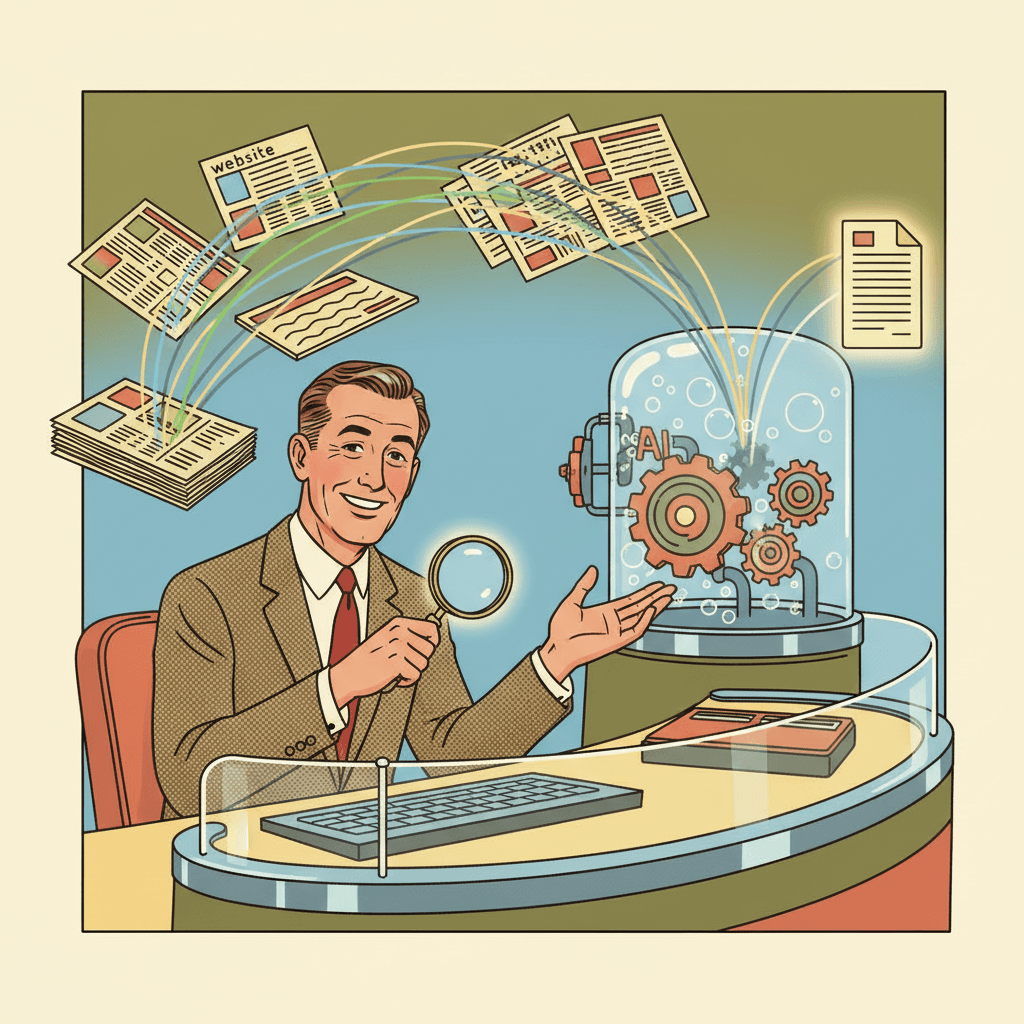
In Google’s write-up, the common trap was what the researchers called “simple substitution”. In plain English, that means using AI as a straight swap for one small task: draft this email, summarise this note, rewrite this paragraph. Sometimes that helps. Sometimes it does not. If the setup and checking take longer than doing the task yourself, enthusiasm disappears fast.
That rings true well beyond Google. The average office worker is not looking for a futuristic AI overhaul. They are usually trying to get through email, notes, spreadsheets, planning, customer messages or meeting admin with a little less friction. If AI adds friction instead of removing it, people stop bothering.
We have seen a version of that before in our look at how AI can help with job hunting. The best results tend to come when the tool solves a specific stuck point, such as turning a messy work history into a cleaner CV draft, rather than pretending it can run the whole process for you.
The five habits Google says matter more
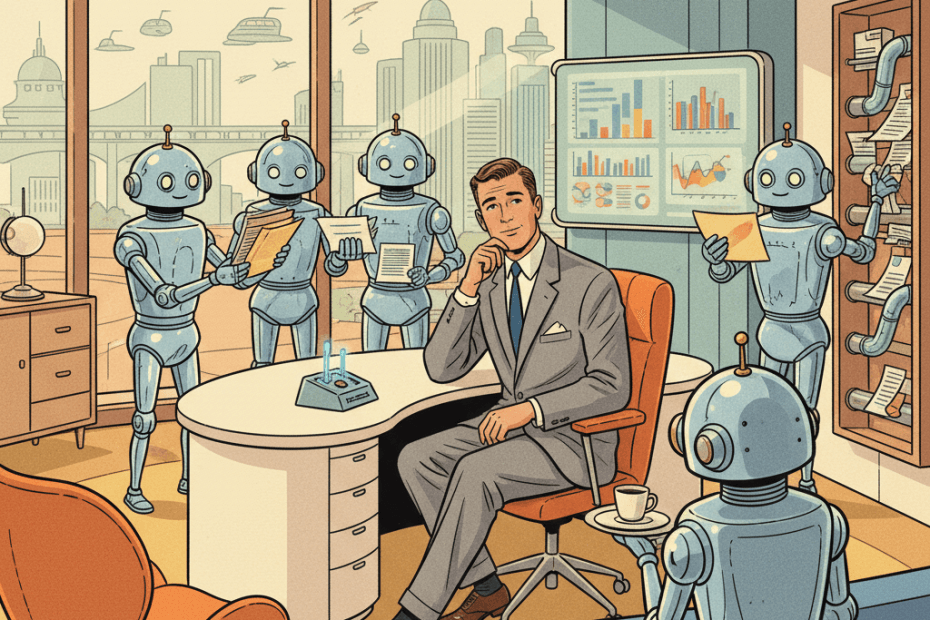
According to Google and the linked Harvard Business Review study, the stronger adopters behaved less like prompt hobbyists and more like product managers. That sounds more corporate than it really is. The practical version is simply this: start with a problem, match the tool to the problem, test it on a small scale, then keep what genuinely saves time.
The first habit is to start with what is blocking your work. Not “where can I use AI?” but “what keeps slowing me down every week?” That could be writing first drafts, pulling actions out of meetings, cleaning up notes, comparing documents or turning rough ideas into a structure.
The second is choosing the right tool, not assuming every problem belongs in a chatbot box. Sometimes a meeting transcriber, document search tool, grammar helper or spreadsheet assistant will be more useful than a general chat window.
The third is to start small and experiment quickly. That means trying AI on one repetitive part of the workflow first, instead of redesigning your whole week around it. A small win is much more persuasive than a grand plan that collapses by Thursday.
The fourth is to think across the whole process. This is where people often miss the real value. AI may not save much time on one isolated email, but it could help across a chain of work: meeting notes into actions, actions into a project update, then a project update into a clearer client message.
The fifth is sharing what works. If one person in a team finds a reliable way to use AI safely and sensibly, everyone else should not have to rediscover it from scratch.
What this means for ordinary UK workers
The encouraging part is that none of this requires becoming an AI evangelist. It mostly asks for better judgement. Start with a dull, annoying task. Test one tool against it. Keep your standards. If it helps, keep it. If it creates cleanup work, drop it.
That is a healthier way to use AI than forcing it into everything because managers, social feeds or software marketing keep telling you the future has already arrived. For many people, the most realistic gain will be modest but still worthwhile: a quicker first draft, cleaner notes, less repetitive admin, fewer blank-page moments.
It is also a reminder that trust still matters. If an AI tool is pulling from your documents, meetings or messages, you need to know what permissions it has and where that information goes. We covered that in our recent piece on ChatGPT’s safety labels, and the same principle applies at work: convenience is useful, but only if you understand the trade-off.
The non-hypey takeaway
Google’s study is helpful because it pushes back against the lazy idea that successful AI use is mainly about learning magic words. Better prompts can help, but they are not the whole story. The bigger difference is whether the tool fits the real workflow and whether the human using it is still steering.
That may be the most grounded way to think about workplace AI in 2026. You do not need to use it for everything. You do not need to pretend it is flawless. You probably do not need a dramatic “AI transformation” plan either.
You just need to be honest about where work feels clunky, repetitive or mentally draining, then test whether AI improves that bit enough to be worth keeping. If it does, great. If not, move on. That is not anti-AI. It is simply a more grown-up way to use it.
Sources:
Google Blog — Five strategies for deeper AI adoption at work
Harvard Business Review — To Drive AI Adoption, Build Your Team’s Product Management Skills
Google Blog — 14 ways Googlers use AI to work smarter